
Skip to Content

BORNE KOYA

https://www.vigilantia.fr/web/image/product.template/299/image_1920?unique=a6a2a84

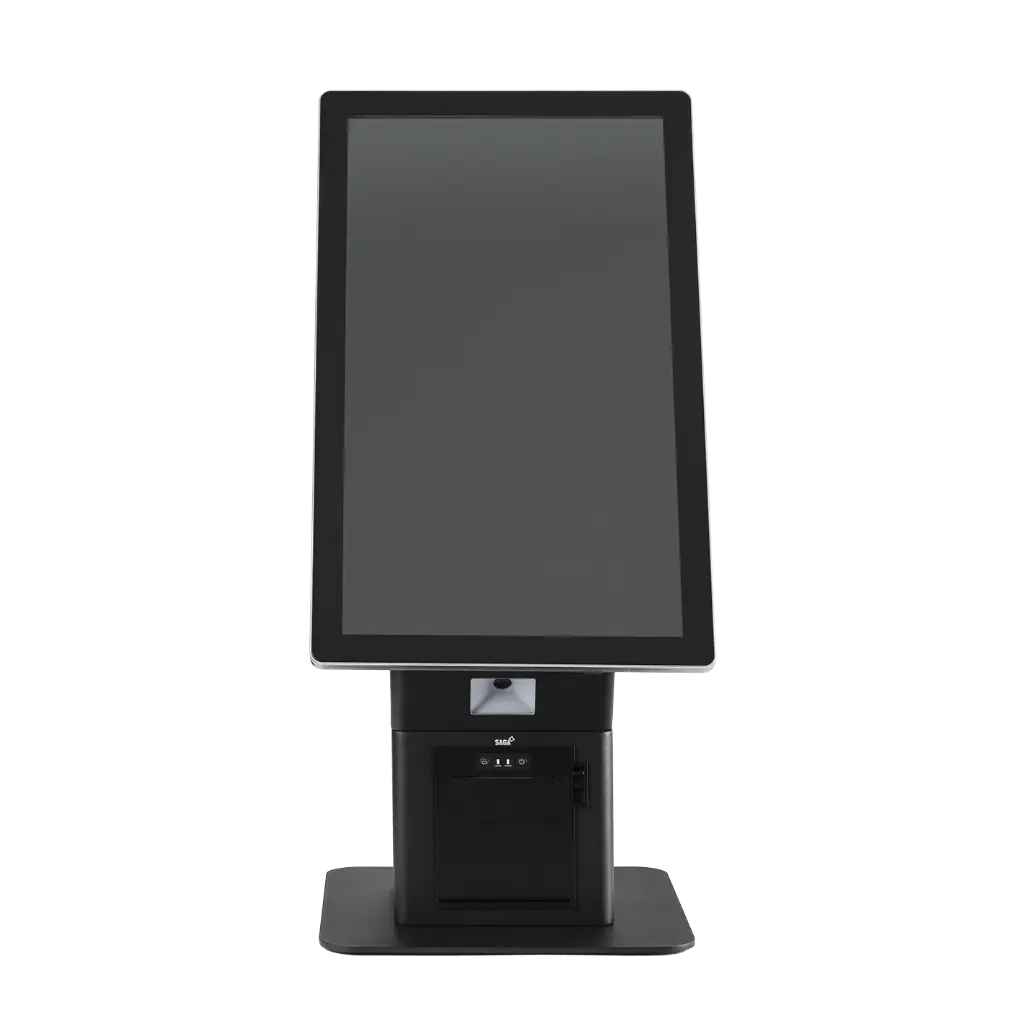
21.5’’ projected capacitive touchscreen 10 points LCD 1920 x 1080, IPS, 300 cd/m² Intel® Celeron J6412 2.0GHz processors Network 10/100/1000 or Android 11, RK 3568 Cortex-A55 4GB RAM + 64GB flash drive Available ports 5 x USB, 3 x RJ45, 1 x COM DDR4 memory, SO-DIMM 2666MHz, 8GB Storage mSSD 128GB Wifi Integrated card and antenna Integrated 2D imager scanner Thermal receipt printer 80 mm Amplified speakers - 5W 1-year manufacturer warranty 

1,585.00 € 1585.0 EUR 1,585.00 € Tax Excluded

Not Available For Sale


    Terms and Conditions
    30-day money-back guarantee
    Shipping: 2-3 Business Days

    Download the KOYA technical sheet

    BORNE KOYA

    Control terminal

    An all-in-one solution for immediate installation

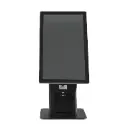
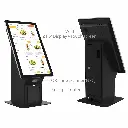
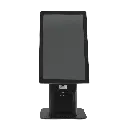
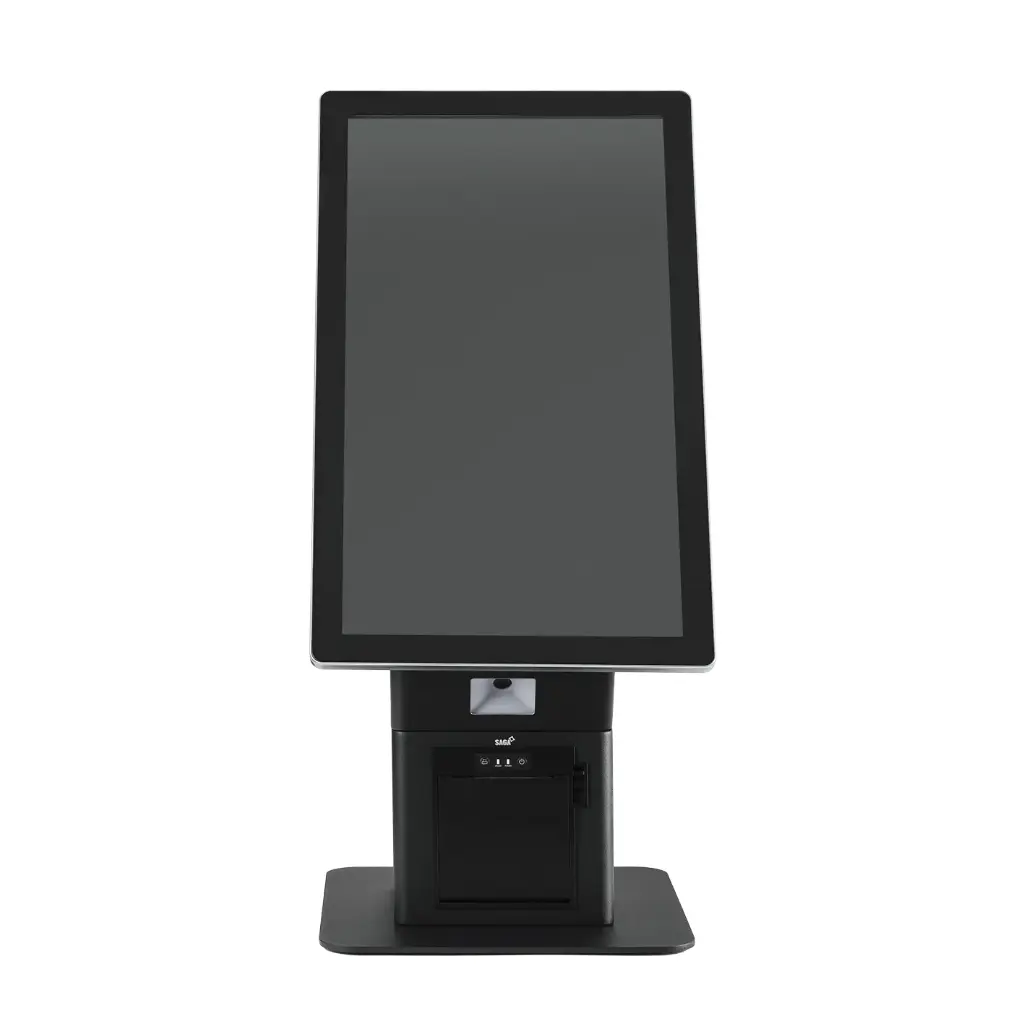
    Optimize your point of sale with the KOYA touchscreen kiosk, a self-service ordering station with a sleek design. Designed for ultra-fast setup, it comes fully assembled in a single box. No more complicated installations: just unpack it to start using it.

    It natively integrates all the tools necessary for a smooth customer experience:

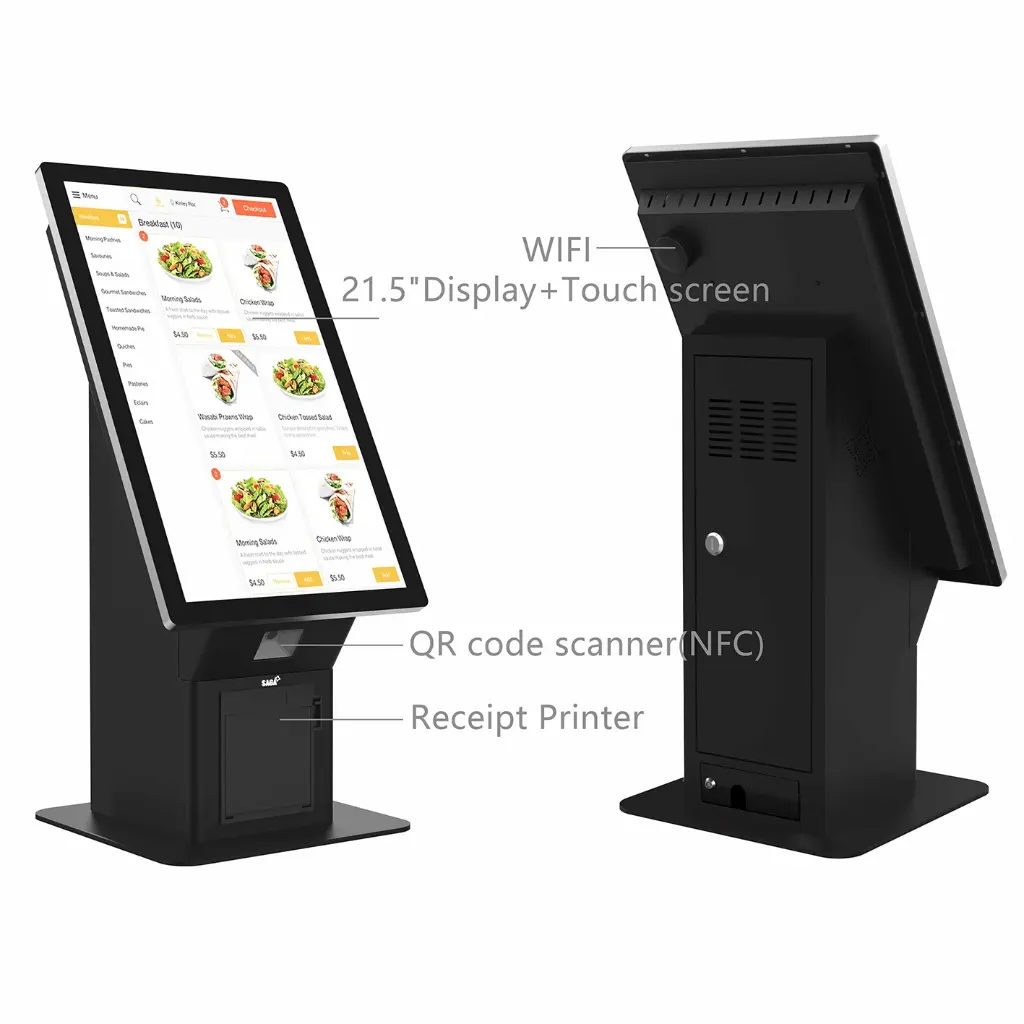
    • 21.5’’ Touchscreen: High-resolution capacitive panel for intuitive navigation.
    • SAGA ticket printer: Integrated into the chassis for simplified receipt management.
    • High-performance 2D scanner: Capable of reading QR codes and PDF codes directly on a smartphone.

    Modularity and simplified maintenance


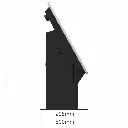
    The KOYA terminal adapts to your specific needs thanks to its modular design. It features quick access through two hatches at the back, allowing for easy maintenance of the system (access to the motherboard, circuit breaker, Ethernet switch, etc.).

    Customize your kiosk according to your environment:

    • Payment options: Possibility to add an arm with a universal claw to accommodate any payment terminal (TPE).
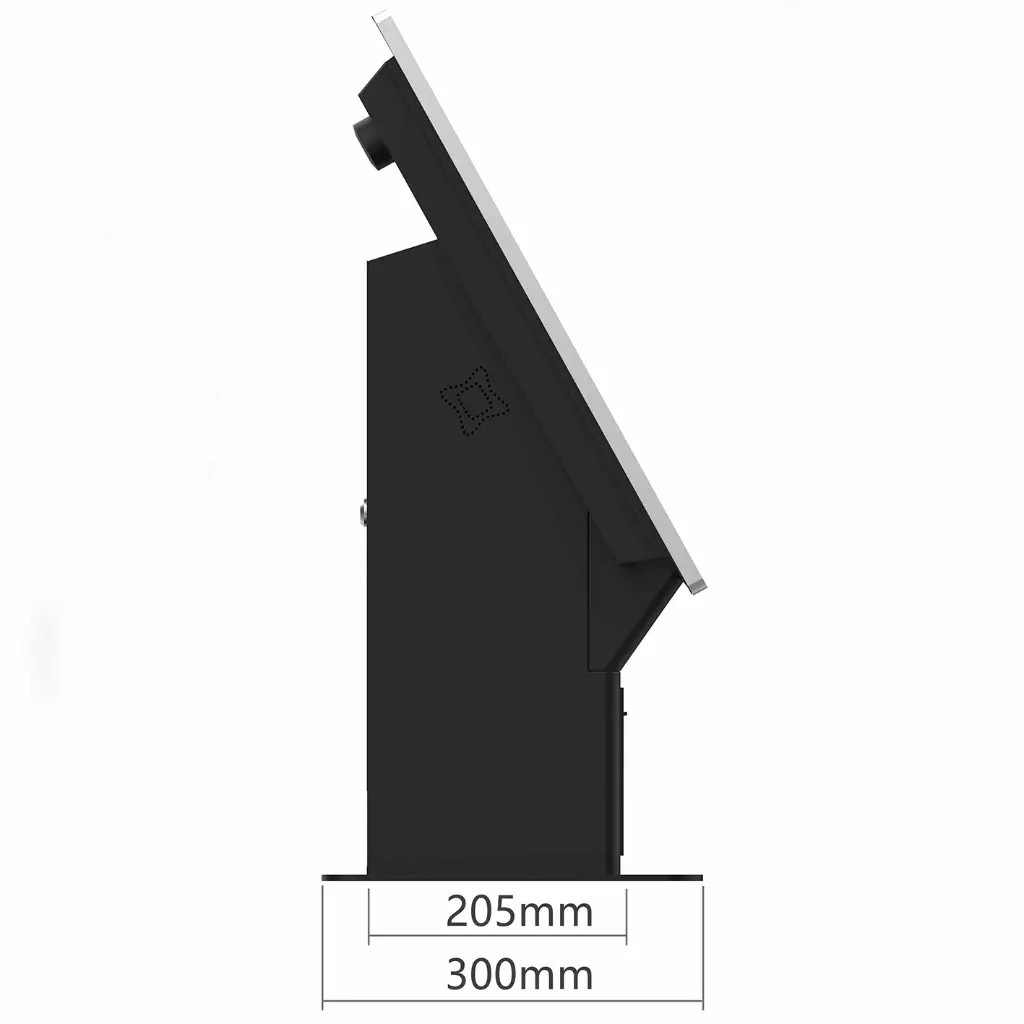
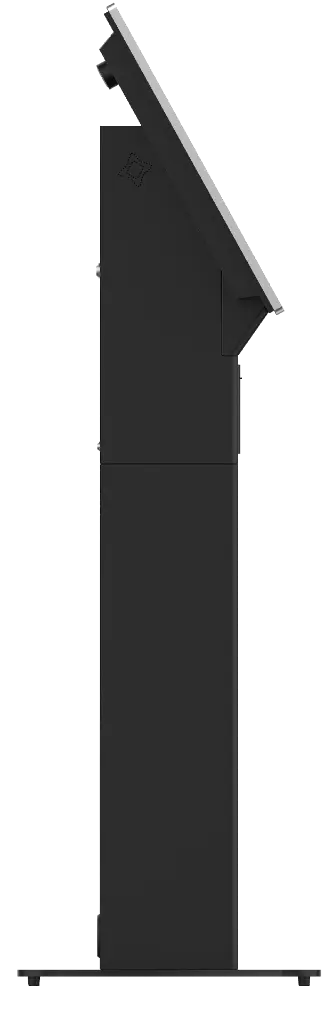
    • Installation flexibility: Direct installation on countertop or "totem" version on the floor with an optional 76 cm base.
    • Operating system: Available on Windows or Android to seamlessly integrate with your point of sale software.

    Strengths of the KOYA system:

    • Time-saving: Drastic reduction in installation time (Ready to use).
    • Robustness: Frame designed for high-traffic environments (restaurants, cinemas, museums).
    • Customer Experience: Streamlines queues and improves order accuracy.
    • Connectivity: Built-in Wi-Fi antenna by default for a stable wireless connection.


    Frequently Asked Questions

    Here are some frequently asked questions.

    Absolutely. Whether you choose a complete point of sale terminal or our software suite, all our solutions are designed to meet the requirements of the tax standard (Anti-Fraud VAT Law / NF525). We guarantee every merchant total compliance to secure their business against audits, while simplifying daily accounting management.

    Our catalog is designed for versatility. Our systems adapt to both food businesses (bakeries, snack bars, food trucks) and service industries (hair salons, beauty institutes) as well as retail. Whether you need compact equipment for a small counter or a robust setup for high customer traffic, our products provide the necessary ergonomics for every profession.

    The user experience is at the heart of our selection. Our equipment is 'Plug & Play': once connected, the intuitive touchscreen interface allows for a setup in less than 15 minutes, even for untrained employees. This speed of execution streamlines the checkout process, reduces input errors, and directly improves the satisfaction of your end customers.

    Choosing Vigilantia is not just about purchasing equipment; it's about ensuring peace of mind. All our products come with a manufacturer's warranty and access to our technical support. We support the growth of your store by offering scalable solutions that can integrate new devices (scanners, payment terminals) according to your needs.

    Votre snippet dynamique sera affiché ici... Ce message est affiché parce que vous n'avez pas défini le filtre et le modèle à utiliser.